Efficient digital authorization
Hundreds of permits processed online monthly
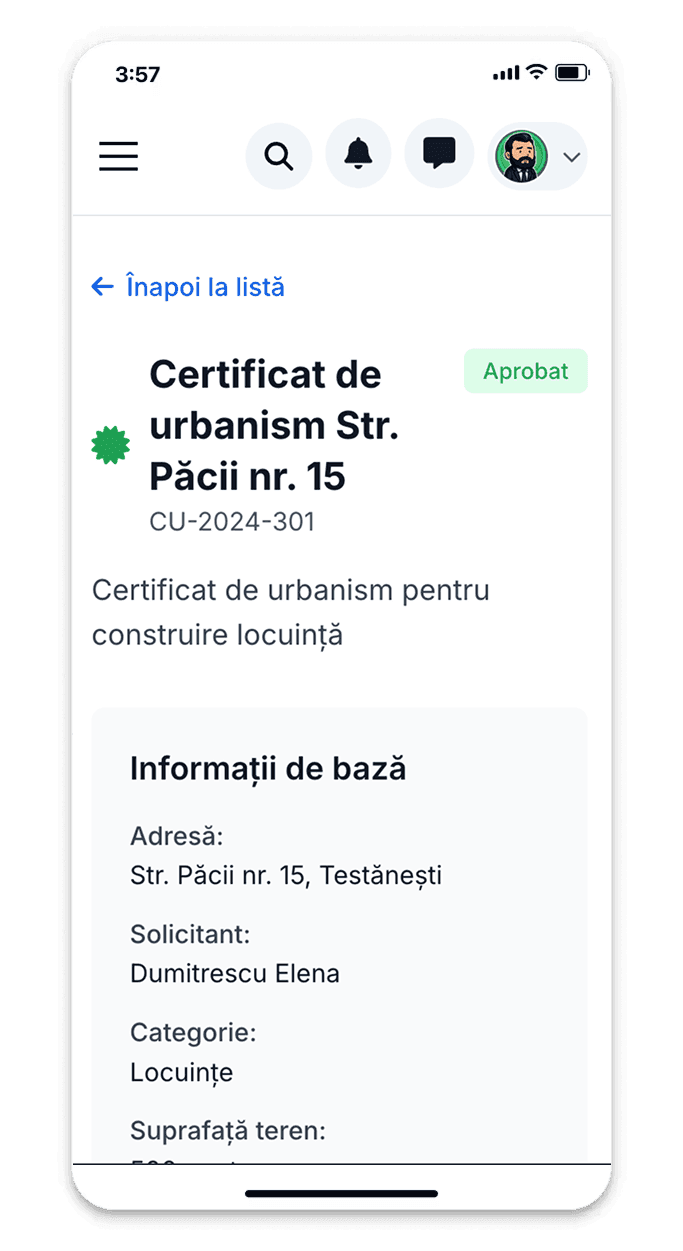

All categories of authorizable works
Apply online for permits for: new constructions (individual houses, apartment buildings, service buildings), extensions and additional floors, attic conversions, interior modifications with structural changes, purpose changes, consolidations and major repairs, fences and household annexes. The form automatically adapts to the selected work type.
Transparency and public access to information
Simple access to the public building permits registry for all citizens
Complete public registry
All issued permits are registered in the electronic public registry, with detailed information about the project, beneficiary, contractor, and validity period.
Full transparency
Any citizen can verify permits issued in their area of interest to ensure compliance with local urban regulations.
Compliance and verification
Quickly verify if a construction has a valid permit, what type of works are authorized, and whether imposed conditions are being met.
Why apply for permit online?
Transparent process and fast digital communication
24/7 submission without travel
Upload all technical documentation online, whenever convenient for you
Complete traceability
See exactly where your file is in the approval and review circuit
Direct communication with reviewers
Receive observations and completion requests directly in the platform
Certified digital permit
Final permit with electronic signature, instantly downloadable
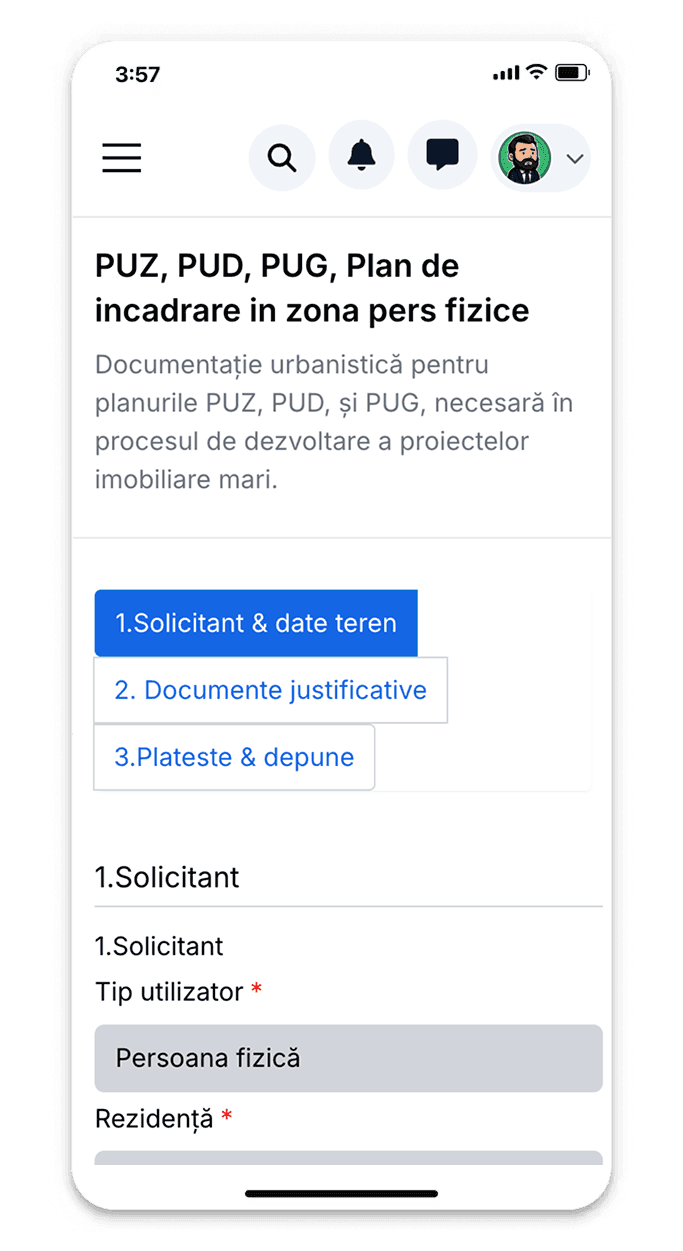
Track every approval and review
Dedicated dashboard shows status of all stages: Submitted (documentation received and registered), Completeness verification (reviewing architect), Approvals requested (complete list with status of each: firefighters, environment, historic monuments, etc.), Technical review (project reviewer), In approval (technical committee for territorial planning), Ready for issuance. Realistic estimate of time remaining until completion.
How to search and verify building permits
Step-by-step guide for accessing permit information
Access the public registry
Enter the Altrio platform and select the 'Building Permits' section. No account is required for public registry searches - information is accessible to all citizens.
Search for the desired permit
Use the search engine to find permits by: permit number, address (street, cadastral number), beneficiary name, work type, or issuance period. Advanced filters help you refine results.
View complete details
Each permit displays complete information: beneficiary data, exact location, construction type and purpose, built and usable area, height regime, number of levels, issuance and expiration dates, current status.
Check status and validity
View whether the permit is active, expired, suspended, or canceled. See if there have been extensions or modifications to the validity period and their reasons.
Consult technical documentation
For published permits, you can view general plans, facades, sections, and technical memoranda. Sensitive documents (beneficiary personal data) are protected in accordance with GDPR.
Download or save information
Export permit details in PDF format or save them for future reference. If you have a platform account, you can add the permit to your monitoring list to receive notifications of changes.
Authorizable work categories
From new constructions to modifications and extensions
New constructions
Single-family homes, apartment blocks, villas, vacation homes, special purpose buildings
Extensions and modifications
Additional floors, attic conversions, horizontal extensions, annexes, covered terraces
Modifications and consolidations
Interior modifications with structural changes, consolidations, major repairs
Purpose changes
Residential-commercial conversion or reverse, function changes
Complete authorization circuit monitoring
See all stages from submission to final permit issuance
Dashboard with all your permit applications and their status
Instant notifications at each stage (review, approvals, approval)
Upload additional documents without traveling to counter
Download permit with electronic signature directly in platform
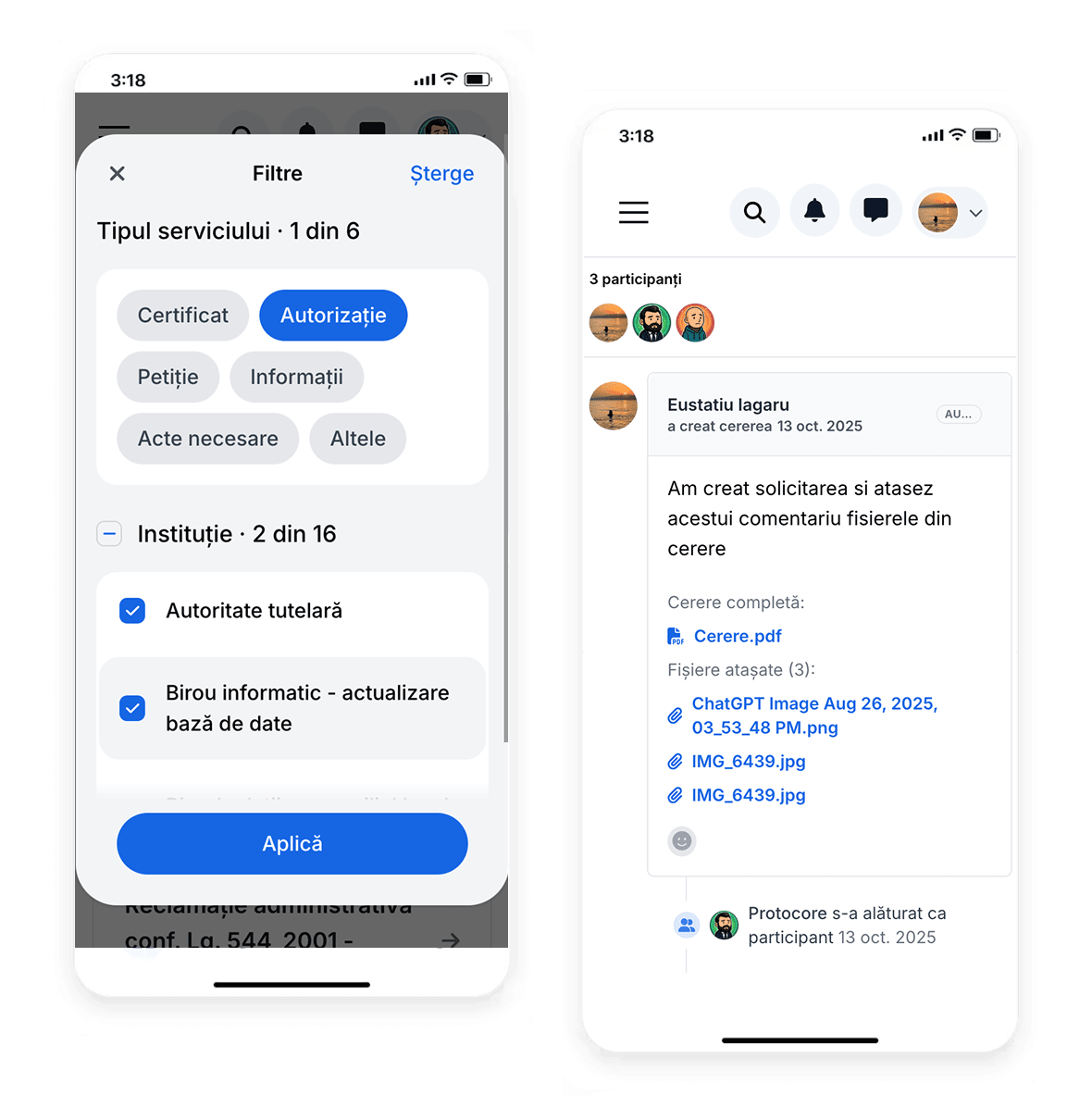
Authorization compliant with legislation
Legal and transparent process
Complete automated process
Modern platform for efficient management of building permits
Compliance with Law 50/1991
We strictly respect legal procedures for authorizing work execution
Confidential projects
Technical documentation is strictly confidential, visible only to evaluators
Permit with electronic signature
Digitally issued permit with chief architect signature, valid under legislation
Specialized technical support
Architects and engineers guide you in the process and answer questions
Permanent file archiving
All documents and permits are permanently archived digitally
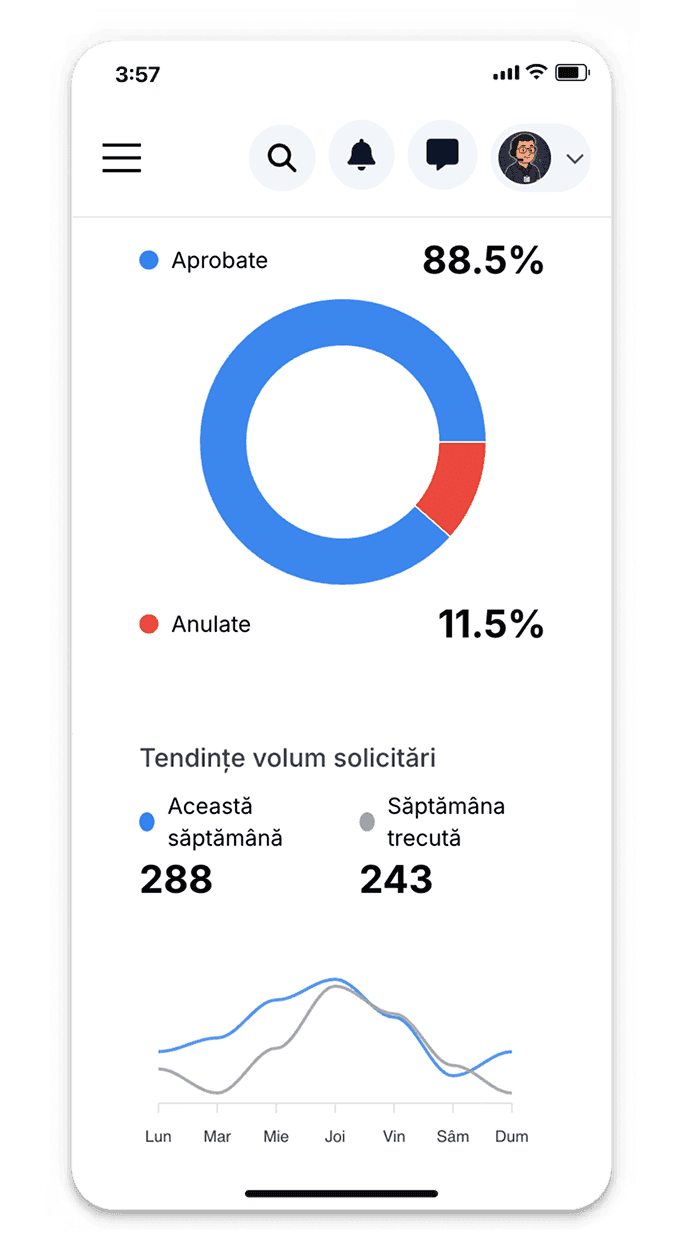
Centralized building permit management system
Urban Planning Office officials access complete processing platform: centralized inbox with all received permit applications (new/in-process/suspended/completed), automatic allocation system to reviewing architects based on complexity and workload, automatic completeness verification with missing document alerts, calendar viewing legal deadlines with risk alert. Chief Architect can track: volume of applications by work types (new construction/extensions/modifications), average processing times per reviewer, identification of bottlenecks in obtaining approvals from third parties (ISU, utilities), statistics on legal deadline compliance. System generates automatic reports: weekly situation for City Hall, monthly statistics on permits issued by neighborhoods/work types, total value of authorized investments. Elimination of bulky physical files significantly reduces archiving space and improves access to history.
Security and legal compliance
Encrypted and protected projects
Technical documentation is encrypted and accessible only to authorized evaluators
Role-based access control
Reviewing architects, committee members, directors have limited access to their own files
Complete audit trail
Every modification and decision is recorded with author, date and reasoning
Compliance with Law 50/1991
Process strictly respects legal procedures and deadlines provided by legislation
Benefits for citizens and administration
Digitalization benefits both parties
Significant reduction in processing times
Citizens submit instantly online, officials process faster without handling physical files
Complete legislative compliance
System automatically monitors legal deadlines and alerts officials of risk of exceeding
Eliminate physical archive and instant access
Zero paper for both parties, all documents digitally accessible with instant search
Process transparency and anti-corruption
Each stage traceable with timestamp and responsible party, eliminating any doubt about procedures
Permit types and construction regimes
From small homes to large development projects
Permits for individuals
Single-family homes, vacation homes, household annexes, fences, extensions to existing homes
Permits for real estate developers
Apartment blocks, residential complexes, multi-functional buildings, commercial complexes
Permits for companies
Office buildings, commercial spaces, industrial halls, logistics warehouses, service stations
Special permits
Historic monuments (Ministry of Culture approval), temporary constructions (events, construction sites), consolidations of affected buildings