My assets
View all real estate and movable assets registered in your name at city hall records.
Advantages of digital management
Control your assets from any device
Complete view
All your assets in a single intuitive dashboard with technical and fiscal details
Automatic synchronization
Data automatically updates from city hall's official records
Smart alerts
Notifications upon authorization expiration or fiscal changes
Centralized documents
All deeds and authorizations associated with your assets in digital format
Digital asset registry
View and manage all assets in one place
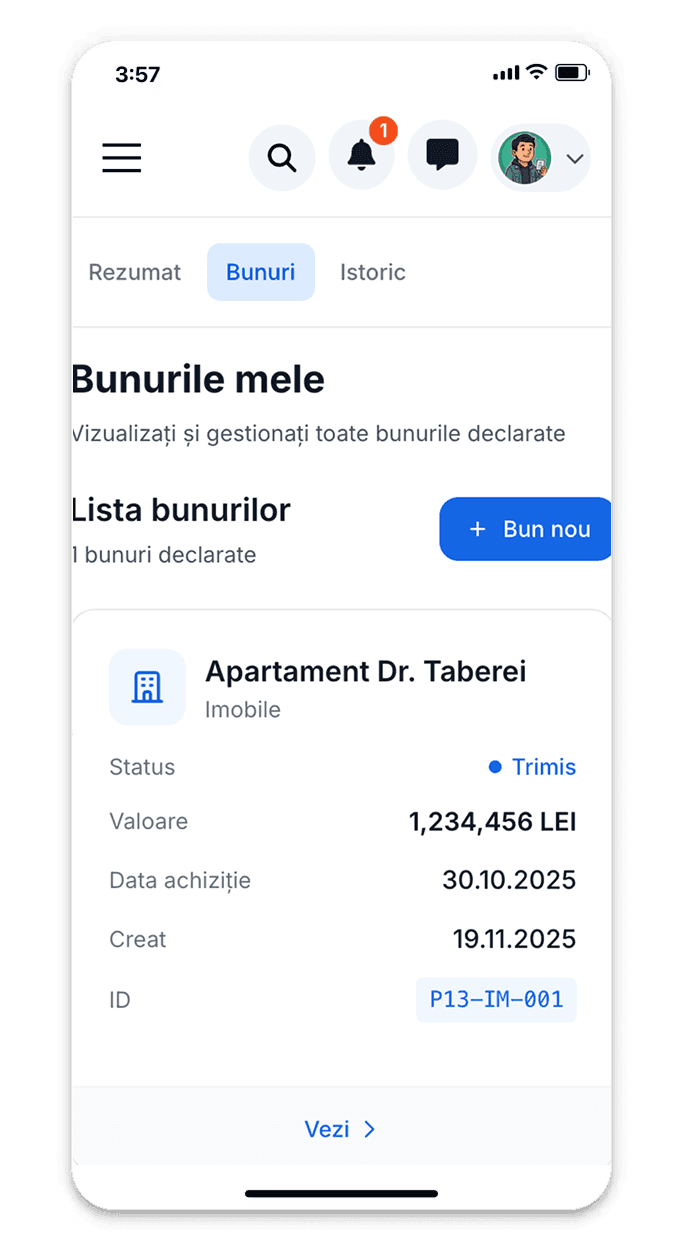

Manage buildings and land
Complete view of all real estate properties: exact address, built/land area, construction year, classification (residential/non-residential), owned share, legal regime (exclusive property/co-ownership). For each property see also updated fiscal situation, associated documents (property deed, land registry, authorizations), transaction history.
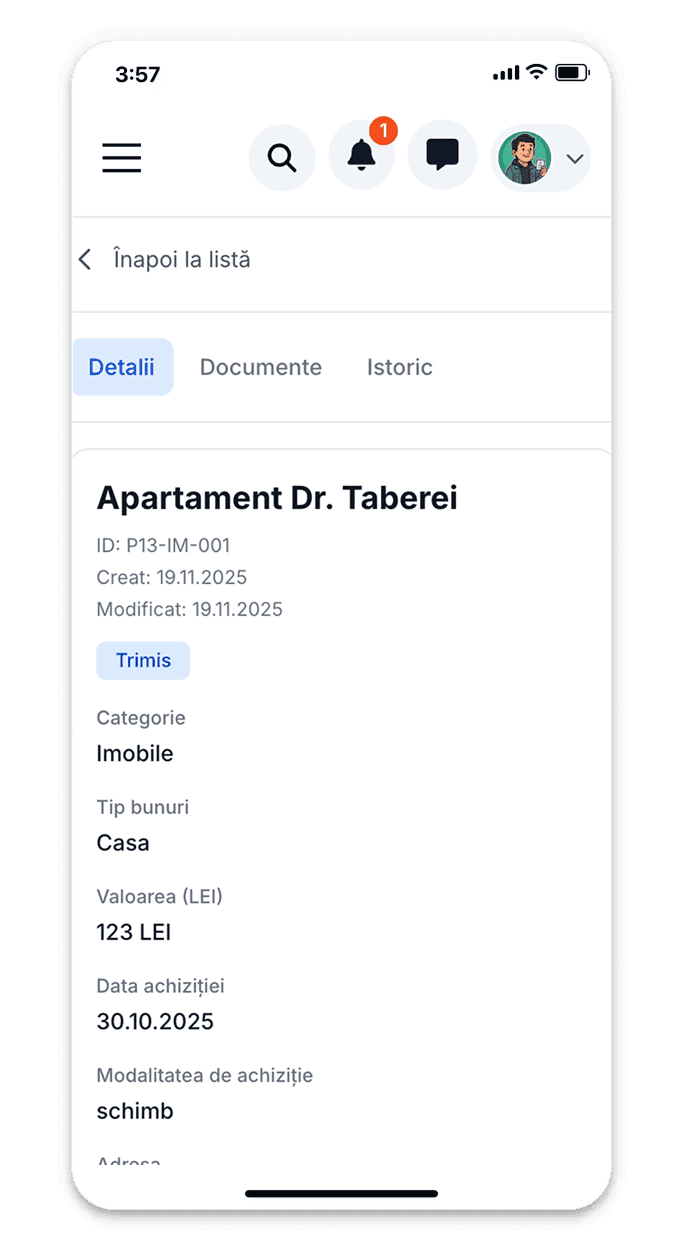
Track all registered vehicles
Complete list of vehicles registered in your name in local fiscal records: registration number, make and model, year of manufacture, engine capacity, fuel type, pollution standard. For each vehicle see annual tax calculated, payment deadlines, paid taxes history, fiscal registration certificate.
Cartographic visualization and technical details
Interactive map with all your properties marked geographically and quick access to details
Interactive map with all properties
Complete technical details (areas, categories)
Associated documents (land registry, deeds, plans)
Fiscal situation for each asset
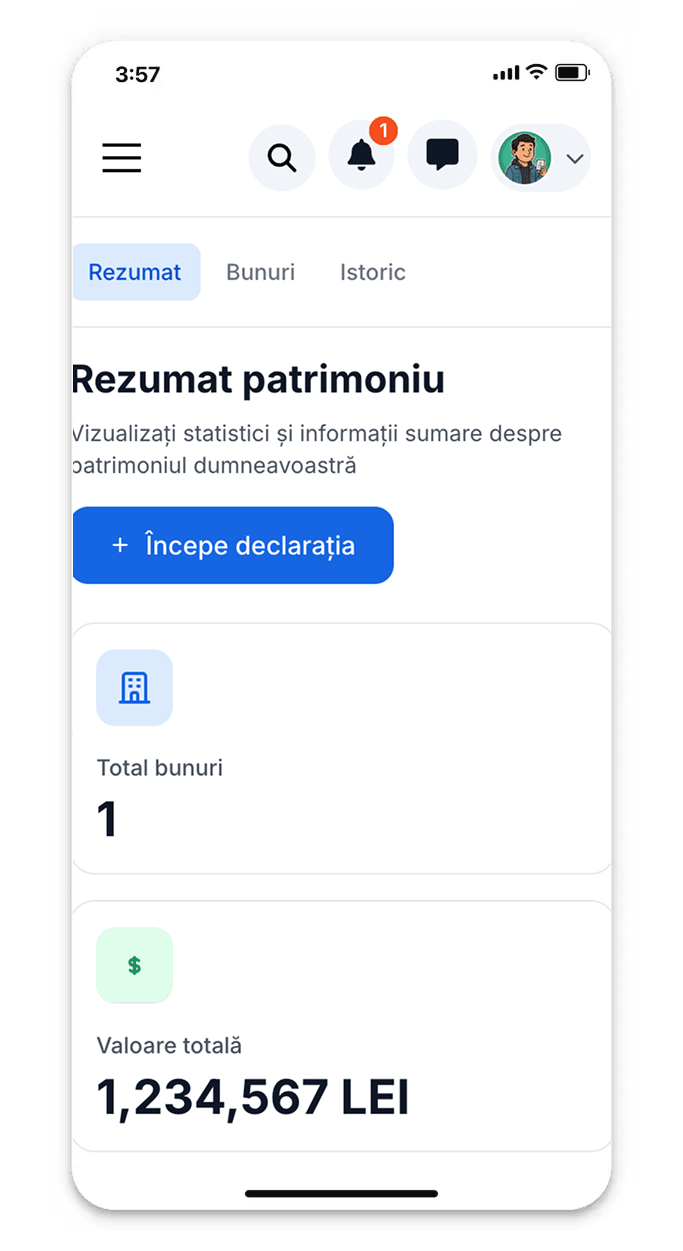
Complete control over your assets
All information you need at a click's distance
Detailed reports
Generate complete reports with all assets: estimated total value, total built/land areas, calculated annual taxes, legal situation. Export to PDF or Excel.
Transaction history
View complete transaction history for each property: acquisition date, acquisition method (purchase, inheritance, donation), deed value, any subsequent modifications.
Expiration alerts
Intelligent alert system for: authorizations expiring soon, urbanism certificates losing validity, need to renew documents, changes in fiscal database.
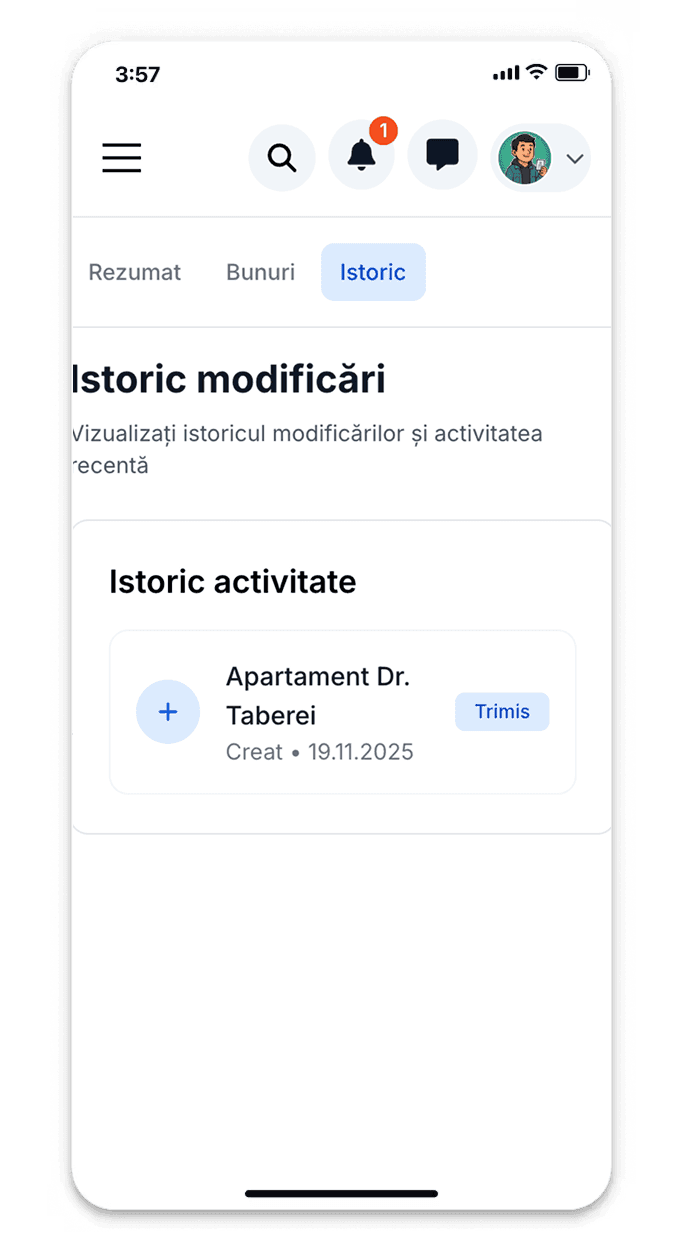
All active documents and authorizations
Complete centralization of issued authorizations and certificates: construction/demolition authorizations, urbanism certificates, permits and approvals, operation authorizations. For each document see issuance date, validity period, expiration date, status (active/expired/suspended). You receive automatic alerts 60, 30, 15 days before expiration.
Types of managed assets
Complete platform for entire patrimony
Real estate properties
Residential, non-residential buildings, annexes, intravilan and extravilan land
Vehicles
Cars, motorcycles, trailers, agricultural equipment, other means of transport
Urbanism authorizations
Urbanism certificates, construction authorizations, demolition authorizations, permits
Other assets
Commercial spaces, agricultural land, plantations, other declared assets
Official data and automatic synchronization
Direct integration with city hall records
Large property volume
Tens of thousands of assets digitally managed by citizens
Daily automatic synchronization
Data automatically updates from city hall systems
Guaranteed confidentiality
Your properties are visible only to you
Certified digital documents
All documents have electronic signature and are legally valid
Assistance for updates
Specialist team helps you update asset data
Automatic and secure backup
All documents are automatically saved in encrypted cloud
How to manage digital assets
Step-by-step guide for using the platform
Access My Assets section
From main menu, select 'My Assets'. You will immediately see dashboard with all your assets: total number of real estate properties, number of vehicles, active/expired authorizations.
Explore real estate properties
Click on 'Buildings' or 'Land' for complete list. For each property see: exact address, area (built/land), construction year, fiscal classification, owned share, calculated annual tax. Access interactive map for geographic visualization.
Check registered vehicles
The 'Vehicles' section shows all vehicles: registration number, make/model, year of manufacture, engine capacity, annual tax. Compare list with your actual vehicles and report any differences.
Monitor active authorizations
In 'Authorizations and certificates' see all issued documents: urbanism certificates, construction/demolition authorizations, permits. For each: issuance date, validity period, days remaining until expiration. Filter by status: Active, Expiring soon, Expired.
Download documents and reports
For each asset you can download: property deed (if digitized), updated land registry, cadastral plans, authorizations and permits. Generate summary reports with entire patrimony for personal records or other purposes.
Configure alerts and update data
Set alerts for authorization expiration, fiscal deadlines, record changes. If you notice incorrect data (wrong areas, properties that are no longer yours), report the error with supporting documents for correction.
Centralized management of asset records
Officials from fiscal and cadastre departments access complete platform for records management: dashboard with all citizens' properties in the locality visualized on interactive map, system for verification and validation of asset declarations submitted by citizens, identification of discrepancies between declarations and Land Registry data, statistical reports with asset evolution by zones/neighborhoods. Mayor can track indicators: total built areas by zones, evolution of taxable base by property categories, dynamics of property exchanges (transactions, inheritances). Citizens benefit from data accuracy and rapid synchronization of changes.
Asset security and confidentiality
Protected asset data
Confidential information visible only to you and authorized authorities
Controlled access
Secure authentication and optional two-step verification
Activity log
All accesses and modifications are recorded for audit
GDPR compliance
We strictly respect personal data protection regulations
Benefits for citizens and administration
Modern asset platform for the entire community
Major reduction in update time
Citizens update data instantly vs. travel to counter. Officials process declarations digitally vs. paper documents.
Improved data accuracy
Automatic validation reduces errors in declarations. Officials quickly identify discrepancies for verification.
Complete digital archiving
Citizens access historical documents anytime. City hall eliminates physical archives and saves space.
Transparency and GDPR compliance
Citizens control data access. City hall respects confidentiality and audits accesses.
Types of generated asset reports
Documents for citizens, legal entities and institutions
Complete asset extracts
Official document with all owned assets - for banks, notaries, authorities
Fiscal reports by categories
Tax breakdown on buildings, land, vehicles - export PDF/Excel
Authorization validity certificates
Confirms active authorizations and validity periods
Annual comparative reports
Asset evolution over years - acquisitions, sales, fiscal changes