Document submission
Upload and send official documents to city hall online with automatic receipt confirmation.
Convenient online submission
Thousands of documents submitted online monthly by citizens
Why submit documents online
Concrete advantages for citizens
Save 2-3 hours per submission
No travel to counter, no waiting in queue, no multiple visits for missing documents. Everything from home in 10 minutes.
Cost savings
No transportation costs, no parking fees, no time off work. Especially significant for rural citizens far from city hall.
Mobile-friendly
Full functionality on mobile phones. Take photo of supporting document with phone camera, upload directly. No scanning needed.
Submission history
All past submissions in one place. Re-download certificates, check previous request status, reference past interactions.
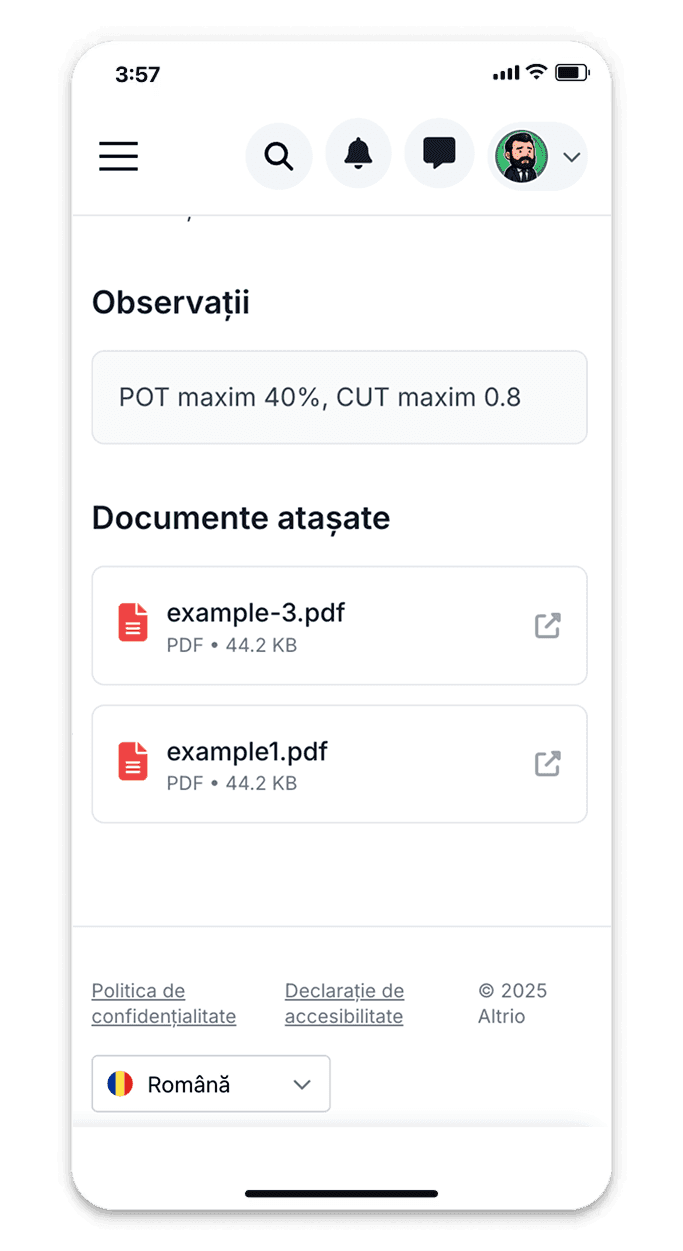

User-friendly citizen portal
Web portal accessible from any device: computer, tablet, phone. Intuitive interface guides citizens through submission process. Pre-filled personal data from account. Smart forms: conditional fields appear based on selections. Validation before submission: checks required fields, file formats, file sizes. Draft saving: start submission, save, complete later.
How online document submission works
Simple process from submission to response
Login and form selection
Citizen logs into portal, selects document type to submit: building permit request, tax inquiry, certificate request, complaint.
Complete and upload
Fill online form with required information, upload supporting documents (PDFs, photos, scans). System validates completeness before submission.
Instant confirmation
Receive registration number, timestamp, and electronic receipt immediately. Email confirmation sent with submission details and tracking link.
Track and receive
Track status in real time: received, in review, approved, completed. Receive response/document online without counter visit.
Benefits of online submission
Convenience, speed, and transparency for citizens
24/7 availability
Submit documents anytime, including evenings, weekends, holidays. No counter hours or location restrictions.
Zero queues
No more waiting in line at counters. Submit from home comfort in minutes. Particularly valuable for working citizens.
Complete transparency
Always know submission status: where it is, who's handling it, what's next. No more calling and asking.
Electronic receipts
Instant electronic confirmation with registration number and timestamp. Legal proof of submission for your records.
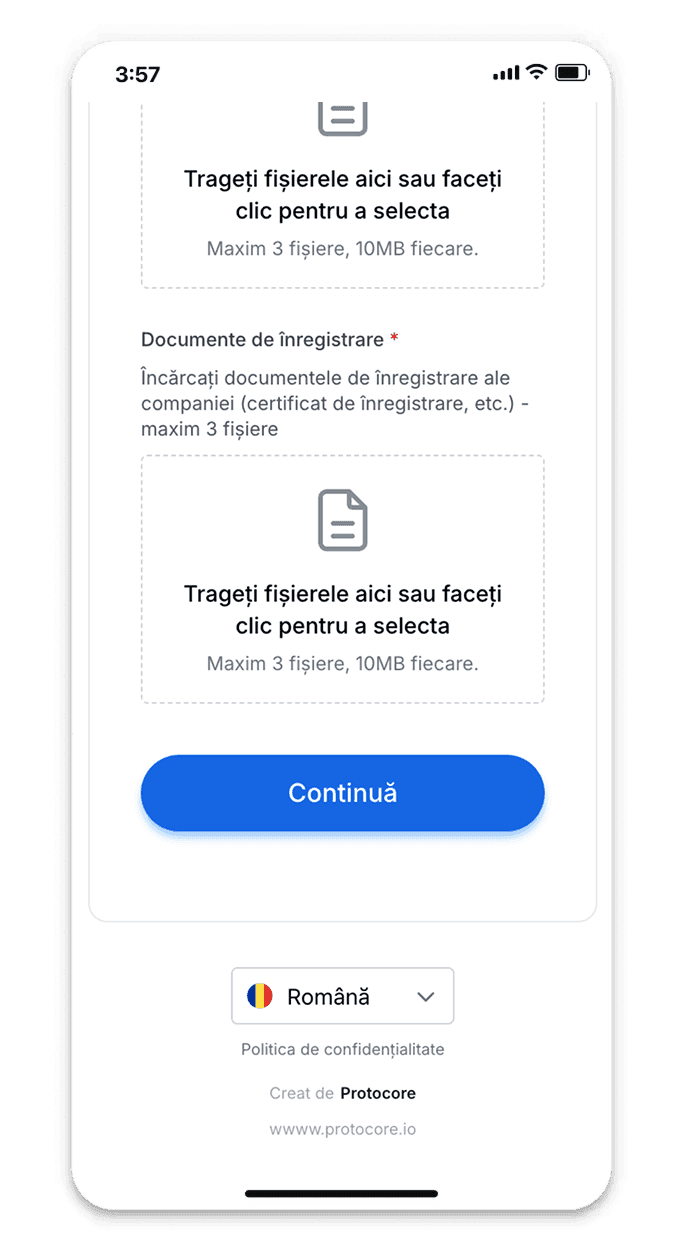
Secure document upload
Upload supporting documents: scanned IDs, property deeds, photos, contracts, previous correspondence. Drag-and-drop interface, multiple files at once. Support for common formats: PDF, JPG, PNG, DOCX. File size validation and compression for large files. Virus scan on upload for security. Encrypted transmission and storage for privacy.
Submission types
All common document types supported
Certificate requests
Request residence certificate, no debt certificate, family composition attestation. Upload ID scan, receive signed certificate online.
Permit applications
Apply for building permits, business authorizations, parking permits. Upload required documentation, track approval process.
Complaints and petitions
Submit complaints, petitions, suggestions. Attach photos/videos of issues. Track resolution status and receive official response.
All-in-one citizen service portal
Complete online portal for all citizen-institution interactions. Submit documents, request certificates, pay taxes, track requests, communicate with officials - everything in one place.
Smart forms with validation and conditional fields for easy completion
Secure file upload with encryption and virus scanning
Real-time status tracking with email/SMS notifications
Online response delivery with downloadable signed documents
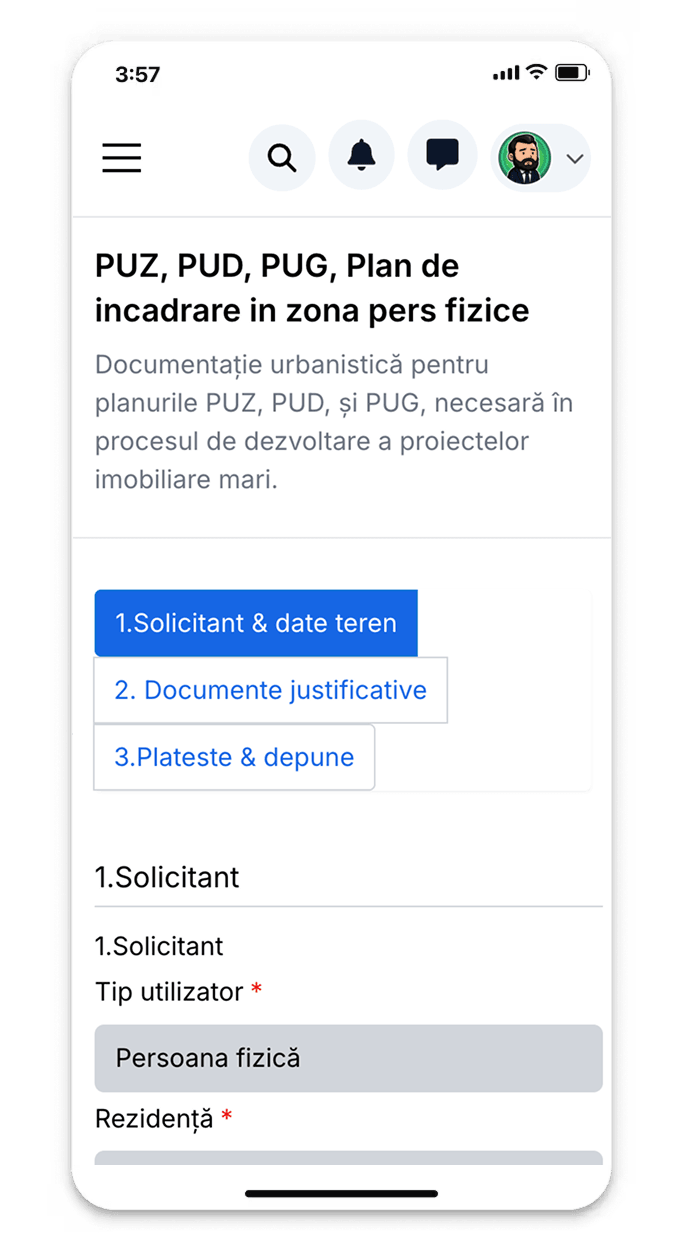
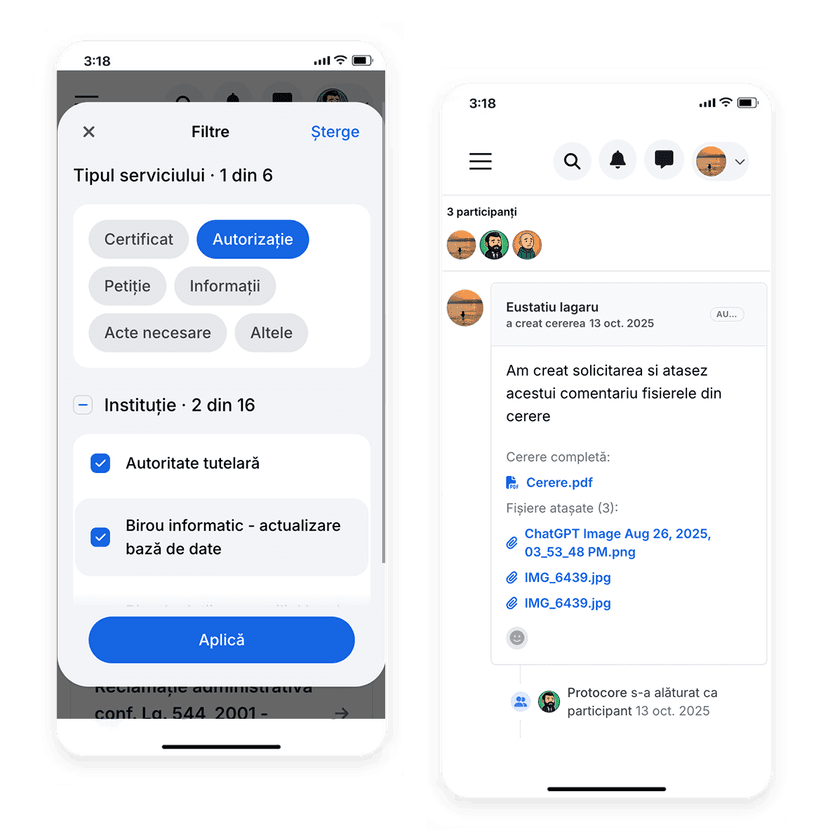
Real-time submission tracking
Citizen sees submission status at any time: received, assigned to official, in review, approved/rejected, completed. History of status changes with timestamps and responsible officials. Email/SMS/push notifications for every status change. Estimated completion date based on processing times. Option to add clarifications or additional documents during processing.
Accessibility and usability
Designed for all citizens
Simple interface
User-friendly design for non-technical citizens. Clear instructions, helpful tooltips, minimal jargon. Tested with elderly users.
Multilingual support
Portal available in multiple languages (Romanian, English, Hungarian). Useful for foreign residents and tourists.
Accessibility features
WCAG compliant for citizens with disabilities. Screen reader support, keyboard navigation, high contrast mode, adjustable font sizes.
Dedicated Manager
Dedicated account manager for large institutions
Security and privacy
Secure authentication
Login with username/password + optional two-factor authentication. Passwords encrypted, session timeout for inactive accounts.
Data encryption
All data encrypted in transit (HTTPS/TLS) and at rest (AES-256). Uploaded documents accessible only to citizen and authorized officials.
Access logging
Complete log of who accessed citizen's documents and when. Citizens can view access history. GDPR transparency requirement.
GDPR compliance
Right to access personal data, right to correction, right to deletion after retention period. Data export in machine-readable format.
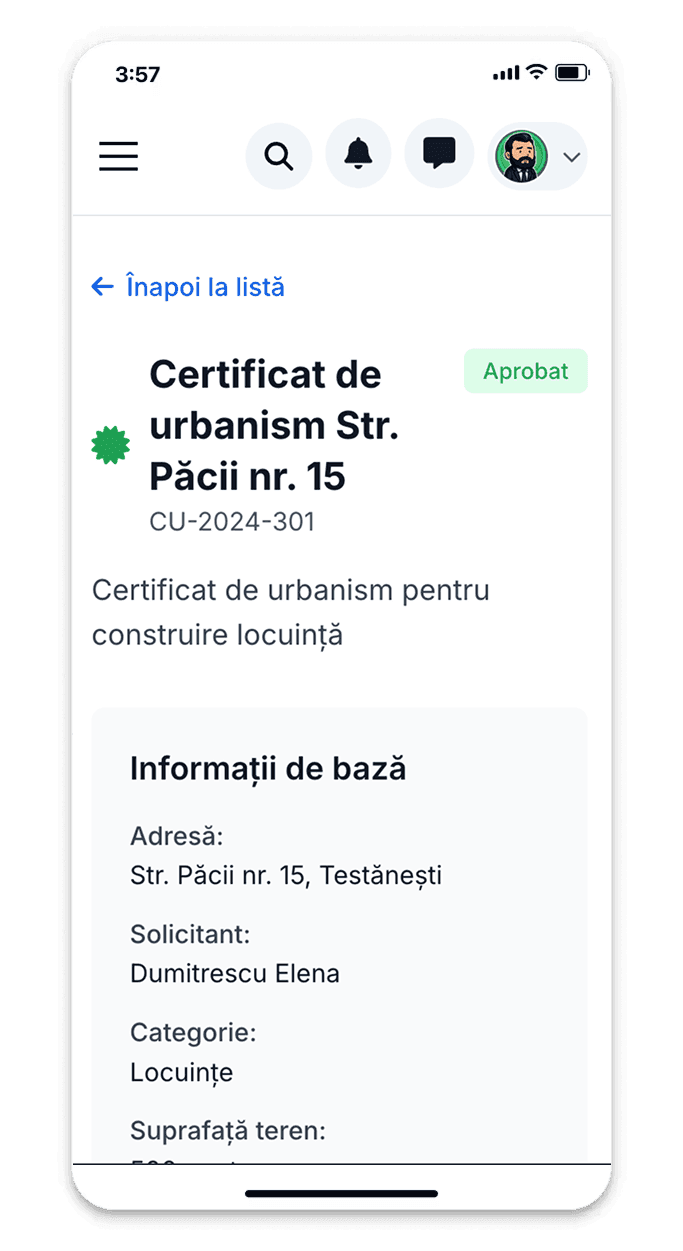
Online response delivery
Responses delivered directly in portal: approved certificates downloadable as signed PDFs, decision letters viewable online. Email notification when response available. Download history: re-download responses anytime. Signed responses include QR code for verification. Option for physical pickup if citizen prefers original documents.
Additional benefits
Enhanced features for better experience
Deadline tracking
See estimated completion date for submission. Receive alerts if deadline approaches. Know when to expect response.
Smart notifications
Choose notification preferences: email, SMS, push. Get notified for status changes, approaching deadlines, required actions.
Document templates
Download templates for common submissions: request formats, declaration templates, application forms. Fill offline, upload completed.
Official communication
Chat with officials directly in portal. Ask questions about submission, provide clarifications, receive guidance. No separate email.
Integration and payments
Complete service ecosystem
Payment integration
Pay required fees directly in portal: card payment, bank transfer, online banking. Automatic receipt generation and submission update.
Calendar integration
Schedule counter appointments if physical visit needed. See available slots, book appointment, receive reminders. Integration with personal calendar.
Service catalog
Browse all available services with descriptions, required documents, fees, processing times. Informed decisions before submission.
Complete automation
Automated workflows and integration with other systems