Secondary registries
Access digital public registers for civil status, agricultural and population records.
Flexibility in document management
Multiple registries adapted to each department's needs
Advantages of secondary registries
Superior organization and enhanced efficiency
Departmental autonomy
Each department manages its own documents with specific rules, without interfering with others.
Granular security
Strict permissions: only HR employees see personnel files, only finance sees sensitive invoices.
Specialized workflow
Each registry has its own approval circuit adapted to document specifics: contracts different from invoices.
Unified reporting
General secretariat can extract cross-registry reports: all unfinished documents from all departments.

Personnel file management
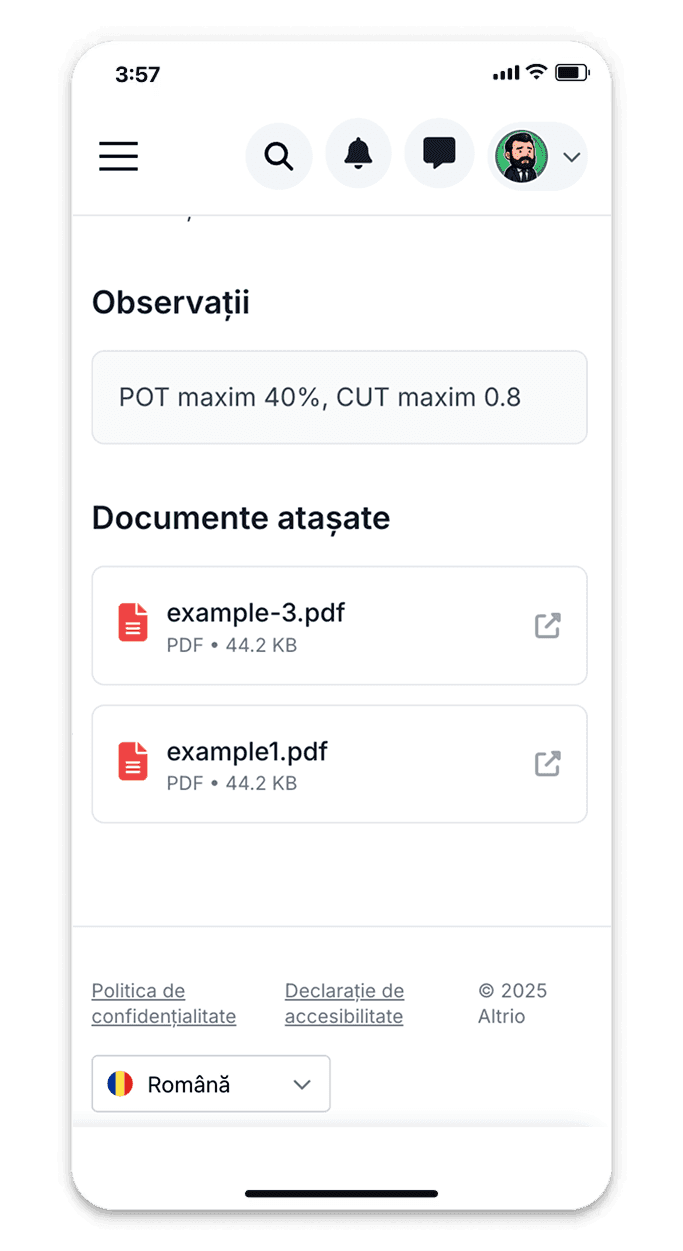
Specialized registry for human resources department: registration of employment contracts, amendments, leave requests, director decisions. Numbering HR-###/2025. Specific workflow: legal verification → director signature → archiving in employee file. Custom fields: employee name, position, document type, start date.
Available registry types
Pre-configured templates for common departments
Public procurement registry
For procurement department: SICAP notifications, SEAP documentation, winning contracts, acceptance minutes.
Communications registry
For public relations: press releases, event invitations, journalist responses, promotional materials.
IT registry
For IT department: technical support requests, equipment purchases, software licenses, security incidents.
Why use specialized registries
Professional organization and optimal performance
60% reduction in document search
Documents are already categorized by department and type. Finance doesn't search technical documents, HR doesn't see procurement contracts.
Specialized reports
Reports adapted to each department: HR sees hiring/resignation statistics, finance sees invoice volume by supplier.
Regulatory compliance
Departmental registries meet specific requirements: employment contract register according to Labor Code.
Advanced search
Precise filtering: legal contracts signed between January-March with value multiple,000. Impossible in unified registry.
Accounting and fiscal documents
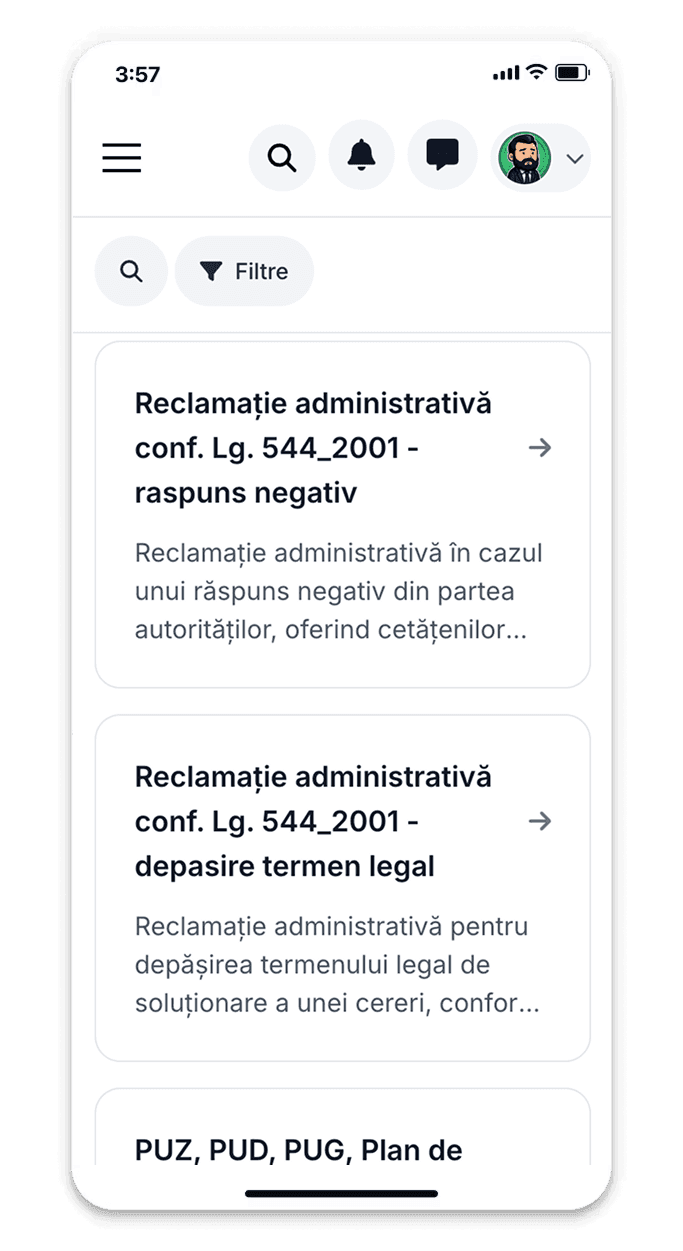
Registry for financial-accounting department: received invoices, payment orders, financial statements, reports to treasury. Numbering FIN-###/2025. Automatic validation: invoices must have supporting document attached. Integration with accounting software for automatic synchronization of invoice entries.
Unlimited registries for any need
Create as many secondary registries as you need, each with its own numbering, custom fields, specific workflow, and dedicated permissions. All centrally managed.
Configurable independent numbering (prefix + number + year)
Customized registration forms per registry
Dedicated workflows with steps specific to each department
Consolidated cross-registry reporting at management level
How secondary registries work
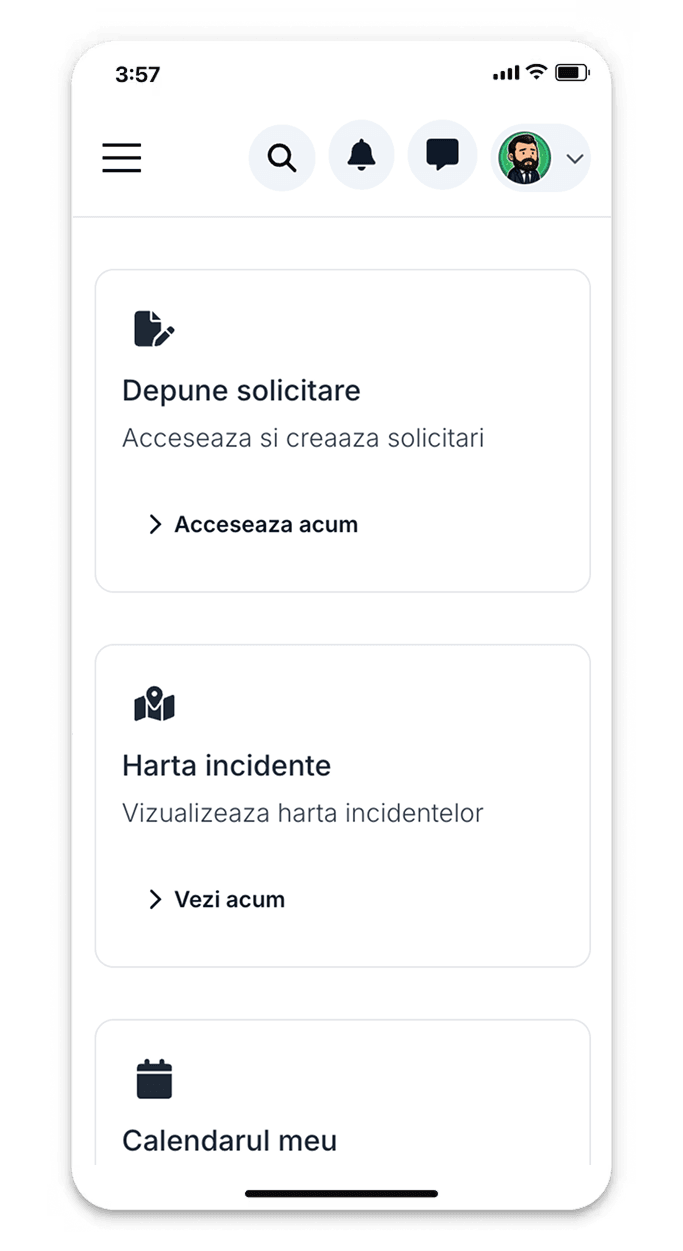
Departmental autonomy with centralized visibility
Registry configuration
Administrator creates new registry (e.g., Legal Contracts Registry), defines numbering (e.g., LC-###/2025) and specific rules.
Access permissions
Establish who can register, view, modify, or approve documents in that registry. Departments work autonomously.
Specialized registration
Customized forms per registry type: contracts require value and parties, technical permits require construction type and address.
Consolidated reporting
Senior management can view consolidated reports from all registries: total volume, deadlines, departmental bottlenecks.
Complete customization
Adapt each registry to the exact needs of the department
Custom fields
Add specific fields: contract value, document type, employee number, property address. Automatic validation (valid SSN, correct email).
Specific workflows
Each registry has its own approval circuit: HR contracts go through legal, financial invoices through accounting and management approval.
Department reports
Statistics relevant to each department: HR sees average recruitment time, technical sees number of permits issued monthly.
Complete automation
Automated workflows and integration with other systems
Contracts and legal documents
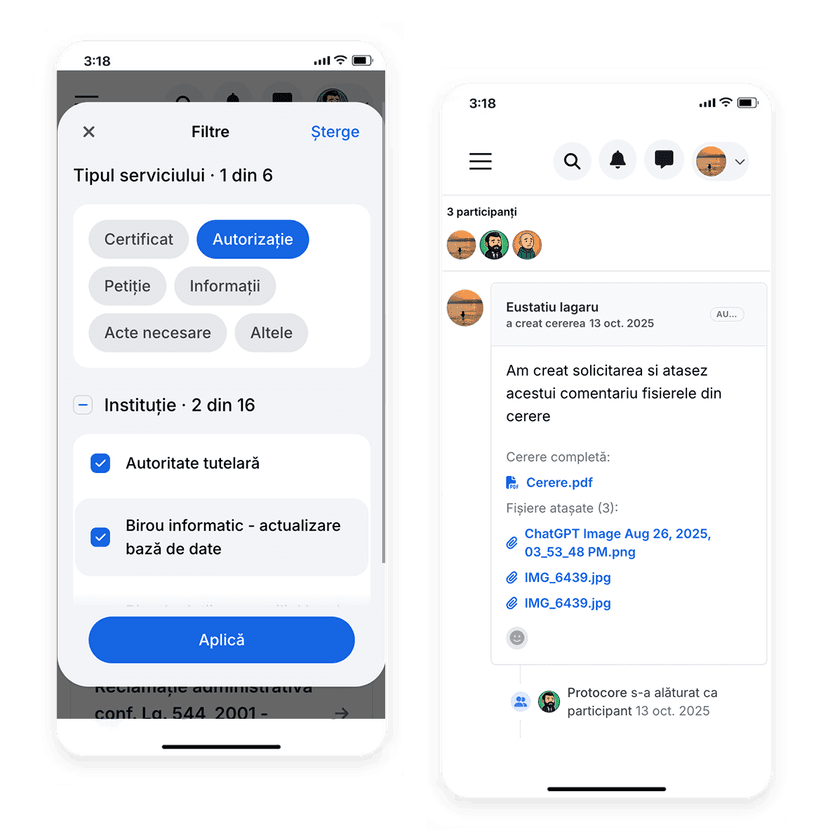
Dedicated registry for legal service: procurement contracts, partnerships, leases, collaboration protocols. Numbering LC-###/2025. Workflow: drafting → compliance verification → procurement committee approval → electronic director signature → registration with finance. Alerts for contracts expiring in 30 days.
Security and access control
Registry-level permissions
Define who has access to each registry. HR employees cannot see financial registry, technical cannot see HR.
Document-level access
Within a registry, restrict certain documents. Only department head sees confidential salary contracts.
Separate audit log
Each registry has its own action log for easy tracking and audit of departmental activities.
GDPR compliance
Different retention rules per registry type: personnel files 50 years, invoices 10 years, technical permits 5 years.
Additional benefits
Optimized functionality for each department
Specific deadlines
Each registry can have its own legal deadlines: contracts expire in 1 year, permits in 30 days from issue.
Targeted notifications
Department employees receive only relevant notifications. Finance doesn't get alerts for technical permits.
Specialized archiving
Each registry archives documents according to specific nomenclature: HR with employee file, finance with fiscal year.
Department collaboration
Employees in the same department discuss documents in dedicated space without disturbing other departments.
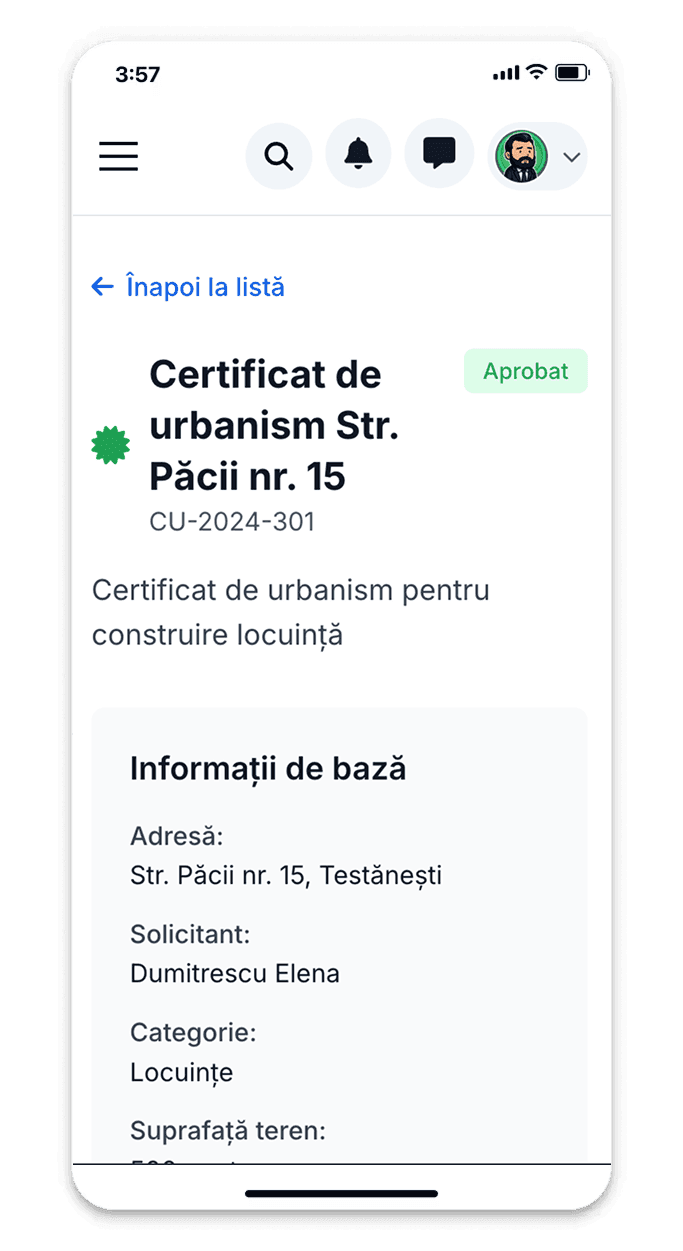
Permits, approvals, and technical projects
Registry for technical service/urban planning: building permit requests, urban certificates, technical approvals, PUZ/PUD documentation. Numbering TP-###/2025. Integration with GIS system for map visualization. Specific status: checking completeness → technical committee approval → issued/rejected.
Advanced integration
Connections with department-specific systems
Accounting software
Financial registry integrates with Saga, WizSoft, CIEL - automatic invoice synchronization, automatic payment verification.
HR systems
HR registry connects with payroll software: contracts automatically generate salary positions, leave updates vacation days.
GIS systems
Technical registry integrates with ArcGIS, QGIS for plotting permits on map, automatic address validation.
Complete automation
Automated workflows and integration with other systems